Update Mar 12, 2026 by Alex Sinelnikov
Auto generation enhancements

Photo by Marita Kavelashvili on Unsplash
Auto-Generation Enhancements
Improved GitLab auto-generation algorithm for multi-repo setups, enabling grouping of updates into single or multiple release notes.
Added auto-generation for GitHub imports to create release notes from latest releases or pull requests, with incremental updates based on previously processed PRs and releases.
Unsplash Support
Integrated Unsplash, allowing users to select images directly from Unsplash instead of uploading hero images.
Editor Enhancements
Added table support to the WYSIWYG editor, including options to add or remove rows and columns and configure headers.
GitLab Integration Features
Allow adding release or PR from import modal to existing draft updates.
Support fetching limited numbers of PRs and releases from GitLab.
Store original update text for future edits and revisions.
Increased the number of projects available per plan.
Workflow Improvements
Added reset button to the auto tab during GitLab import.
Update Feb 23, 2026 by Alex Sinelnikov
Gitlab Integration

GitLab integration
Today releases brings GitLab integration on the table.
GitLab integration allows you to connect multiple repositories using your PAT(private access token).
When connected you will have access to Merge Requests and Releases and can use them to create your release notes.
To connect - simply go to Integrations on sidebar and hit + button on GitLab integration.
AI Improvements
AI Tone - you can now add extra instructions to AI rewrites. Whether you want to have more emojis, or more personal(or even more formal) tone - you can do that with ease
Update Feb 17, 2026 by Alex Sinelnikov
Update 2026.02 - More ways to publish changes
This update is the biggest update we've made ever. With this update we've added a bunch of cool features, improvements and other things.
AI-powered writing engine
This was one of features which our customers were asked the most - to have a way to rewrite your release notes right within updatify. Now you can do that via button on editor. This can be very useful to those who uses Github to import releases or pull requests. In just 1 click you can now turn a bunch of technical data into customer-readable data.
LinkedIn Integration
With this feature you now can post your updates to your LinkedIn company page. Simply connect it on integrations page and when you create next post, make sure you tap checkbox "Post to LinkedIn" on sidebar.
Twitter/X Integration
In one of previous updates we've added initial Twitter/X integration to post your updates to Twitter/X account. This update improves stability, adds a way to post images to your post, limits # of symbols to 280 when you're on free account and few more improvements.
Along with those, you can now write custom text for your Twitter post, either shorter way or just a link to external page to read it.
GitHub
Another improvement made to GitHub - now you can import not just releases, but also pull requests. This was requested feature, so I hope GitHub integration can now provide more value and improve your workflow.
Reworked embedded widget
Originally widgets were core idea of updatify, however as I'm adding more integrations I decided to make widget as integration too. All current widgets will remain to be working, they just moved under integrations menu. But now I can add more configuration to widgets, so you could make them truly unique
Update Jan 13, 2026 by Alex Sinelnikov
Twitter integration

Happy New Year 2026 🎅🏻
The 2026 release introduces a new feature that allows you to share your update notes directly to your connected X(Twitter) account.
To use this feature, connect your account and select whether you want your update post to be shared on X via the sidebar options.
The X integration also supports images. Your primary image will be included as an image in your X post.
Update Jan 7, 2026 by Alex Sinelnikov
New landing page
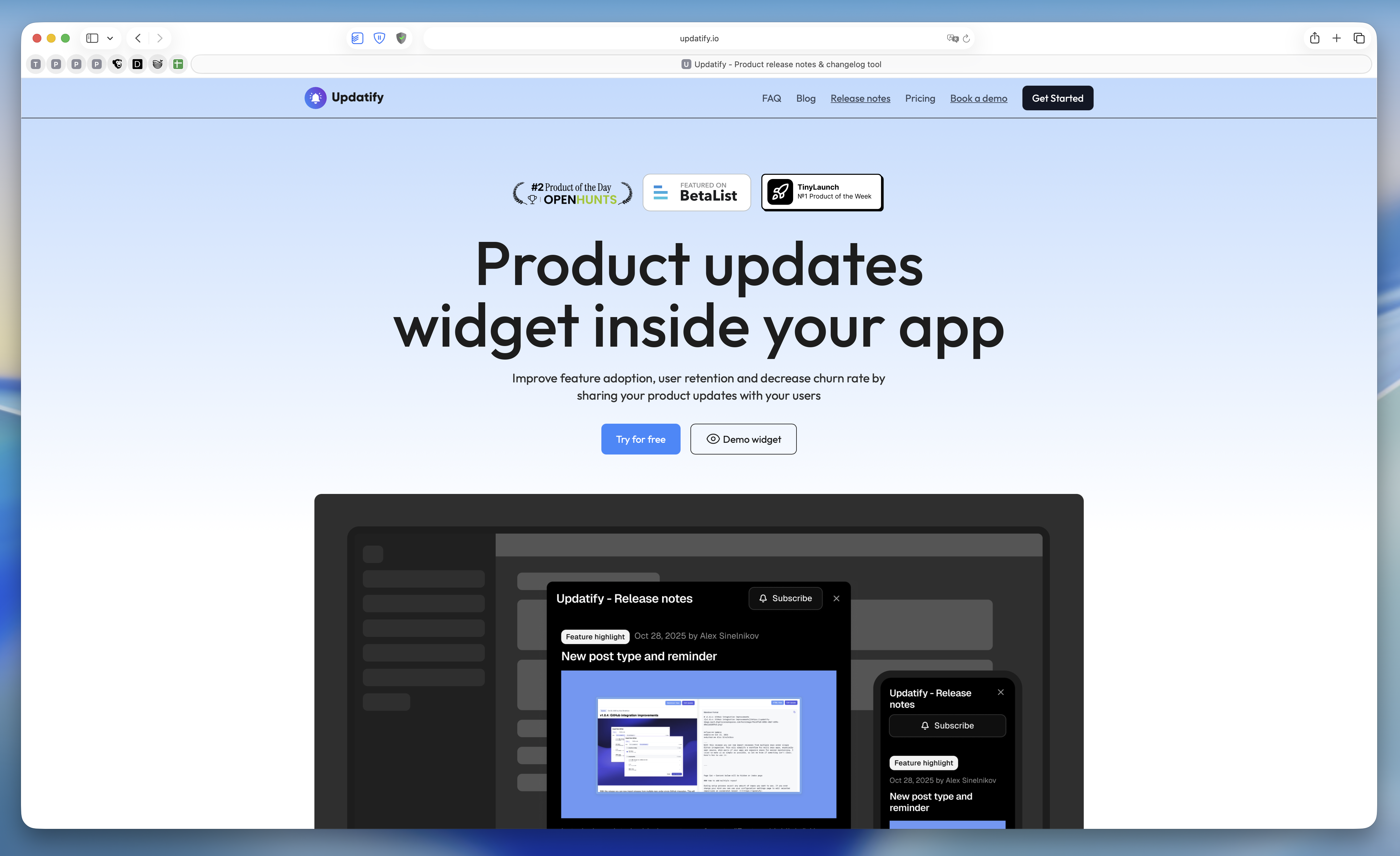
Happy holidays everyone!
Last few weeks I was busy building some new features and updating landing page.
Recently one of my X posts went viral and showed a ton of issues with my landing page and how hard was it to understand the idea.
Today I released updated landing page to explain better what is updatify and how can if make your life easier.
As for new updates - stay tuned, I will be releasing cool new feature later this week
Update Nov 13, 2025 by Alex Sinelnikov
Automated GitHub releases
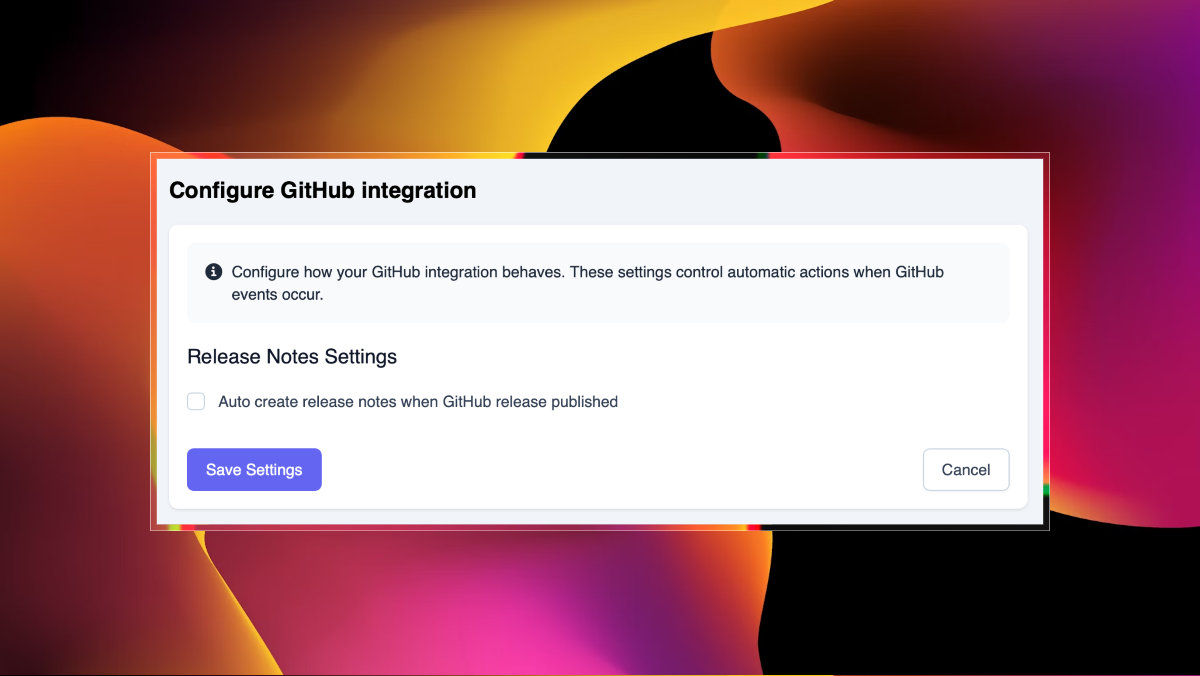
With this small updated I added an option to finally have your GitHub releases to automatically create draft posts on platform.
By default it turned off, but can be easily turned on in integration settings.
Only published releases will be imported
Feature Highlight Oct 28, 2025 by Alex Sinelnikov
New post type and a reminder
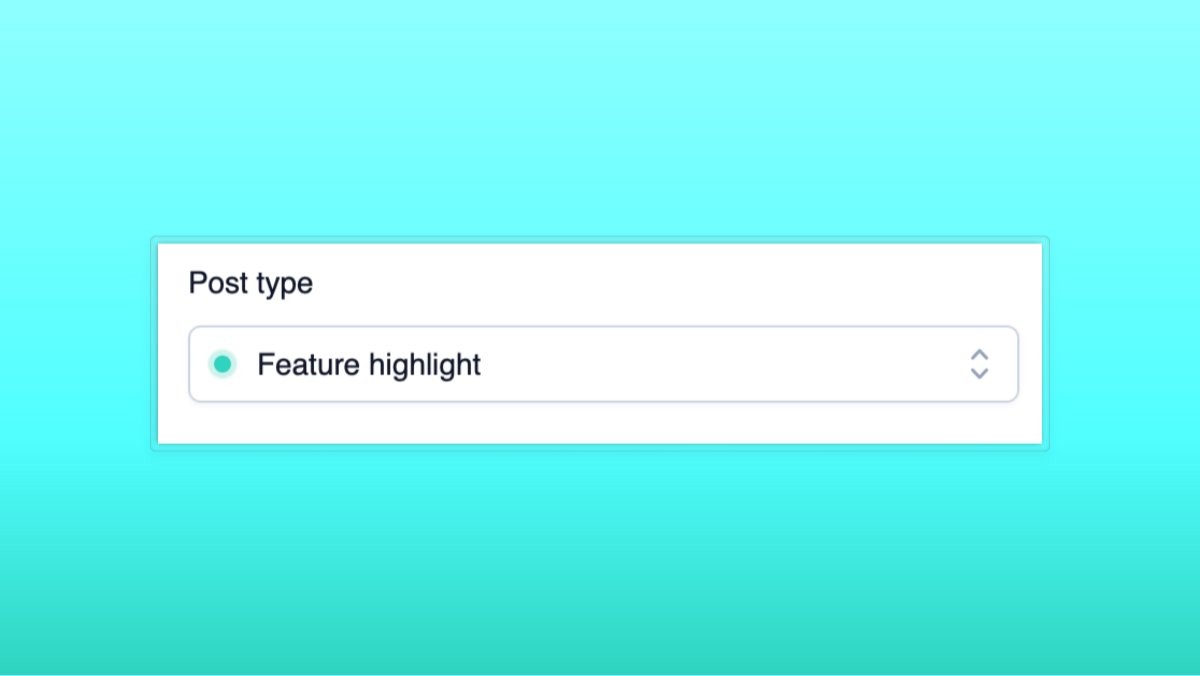
In today's update I added new type of post - "Feature highlight". How can you use it?
Easy - just remind your customers about features they don't use or don't see. There are many cases when you worked hard on something you think important - but your users don't use it. One of problems - they might not know about it. Especially if they joined after you released it, so they totally missed your release notes.
Feature highlight: Email notifications
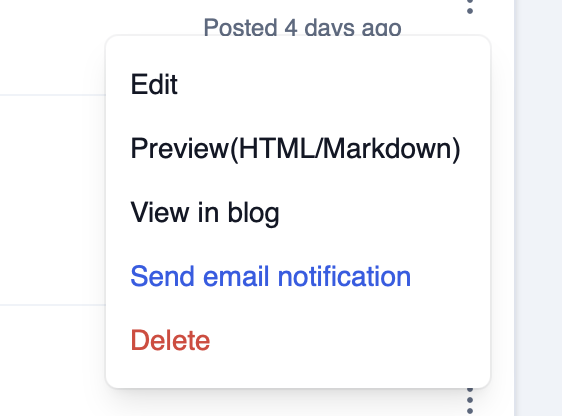
Email notifications already a part of subscription, you can send them through dropdown menu(on screenshot below). Just make sure it's final revision of your release note, since you can't edit it after it was sent.
Update Oct 23, 2025 by Alex Sinelnikov
v1.0.5: HTML and Markdown preview
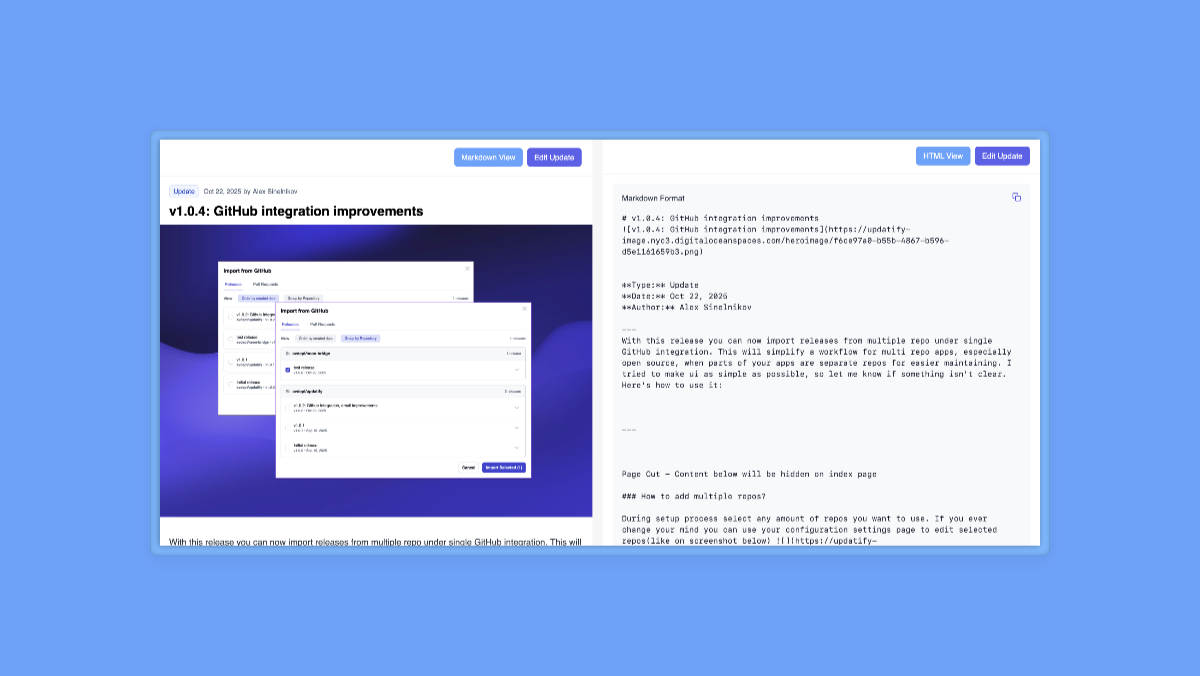
Today I shipped new update that adds small feature - previews, both HTML and Markdown. This feature available in the actions dropdown -
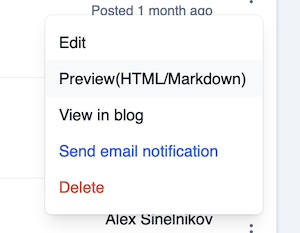
With HTML its all clear - just look at how your post will look like for your customers.
With Markdown - the main deal is to provide you a way to reuse this text somewhere else. Markdown preview includes also hero image, so you can literally copy text(via button in top right corner) and use it anywhere else(your own blog, emails, etc).
Update Oct 22, 2025 by Alex Sinelnikov
v1.0.4: GitHub integration improvements
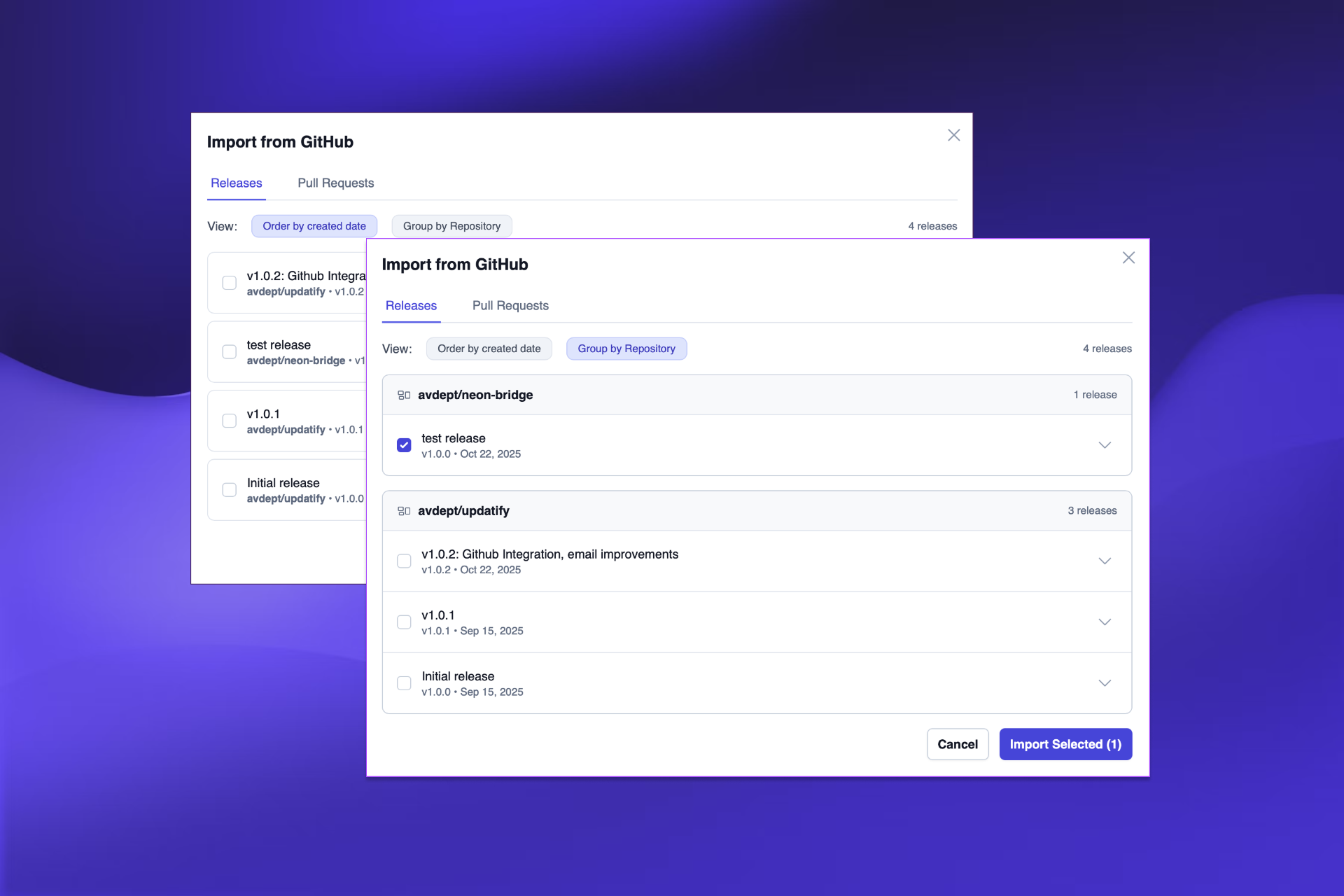
With this release you can now import releases from multiple repo under single GitHub integration. This will simplify a workflow for multi repo apps, especially open source, when parts of your apps are separate repos for easier maintaining. I tried to make ui as simple as possible, so let me know if something isn't clear. Here's how to use it:
How to add multiple repos?
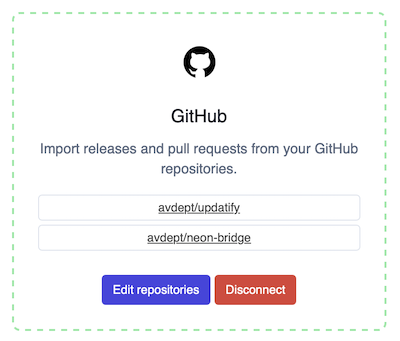
During setup process select any amount of repos you want to use. If you ever change your mind you can use your configuration settings page to edit selected repos(like on screenshot below)
How to import GitHub releases?
Next to "New update note" button there's dropdown which will open modal window with all your repositories and their last updates. We are pulling last 10 releases and show them on UI. By default its sorted by creation date, but you can also group them by repository by selecting according filter like on screenshot below

Big thanks to https://x.com/martindonadieu for suggesting this feature, it will be super useful for everyone!.
Update Oct 14, 2025 by Alex Sinelnikov
v1.0.3 - Page cut and more WYSIWYG editor changes
Page cut:
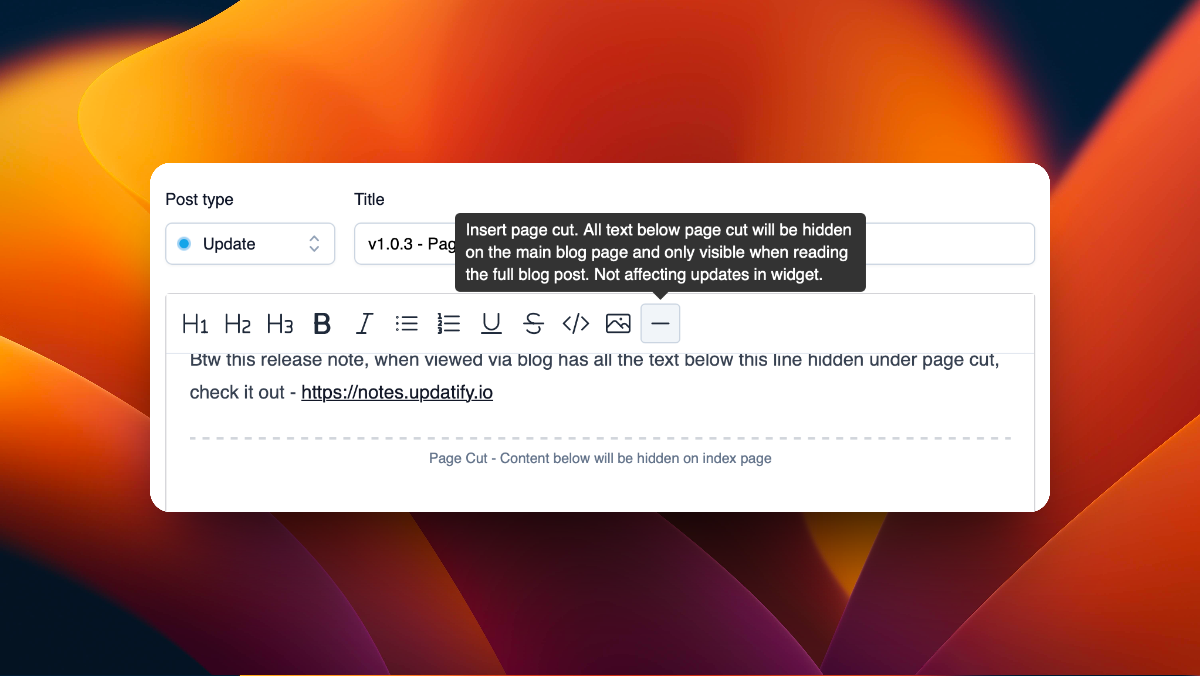
With this release I added a new tool to editor toolbar - page cut ✂️. The idea is to help you to shorten text on blog pages allowing you to hide part of text from index page and be visible on blog post page.
Please keep in mind - page cut does not affect your notes in widget, so if you have long release changelog - it will be fully visible in embedded widget.
Btw this release note, when viewed via blog has all the text below this line hidden under page cut, check it out - https://notes.updatify.io
Editor toolbar tooltips:
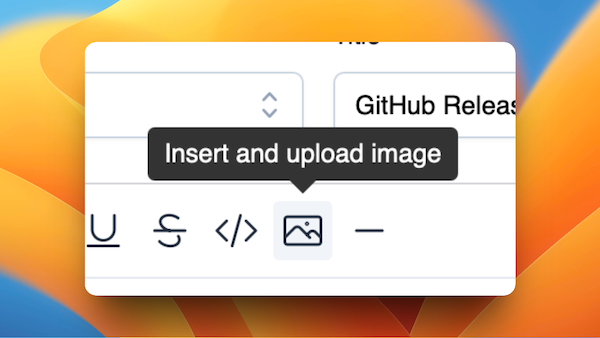
Added tooltips to all editor toolbar items, making it clear what each action specifically does. Current actions are pretty simple, but I work on few more and even page cut needs some explanation.
Other changes:
Updated editor engine
Fixed GitHub integration bug related to importing releases
Under the hood fixes for blog SEO
Update Sep 30, 2025 by Alex Sinelnikov
Programmatic widget opening
Today I added a small feature to allow you to open widget programmatically, using your own buttons, events or any other way.
By simply calling window.openUpdatify() you will open updates widget. It should also handle issues some users had with React based apps when widget script was loaded before main app, making triggers inactive.
Other fixes
Removed paywall on widget code embedding page. Now you don't need subscription to embed widget to your app(but you still need subscription to show it)
Improved SEO on blog pages
Notes
I'm working on new editor feature called page cut - its an element that will allow you to hide part of your text on blog index page, moving it inside blog show page giving you more control over how you structure your posts
Update Sep 29, 2025 by Alex Sinelnikov
v1.0.2 - Sendgrid Integration
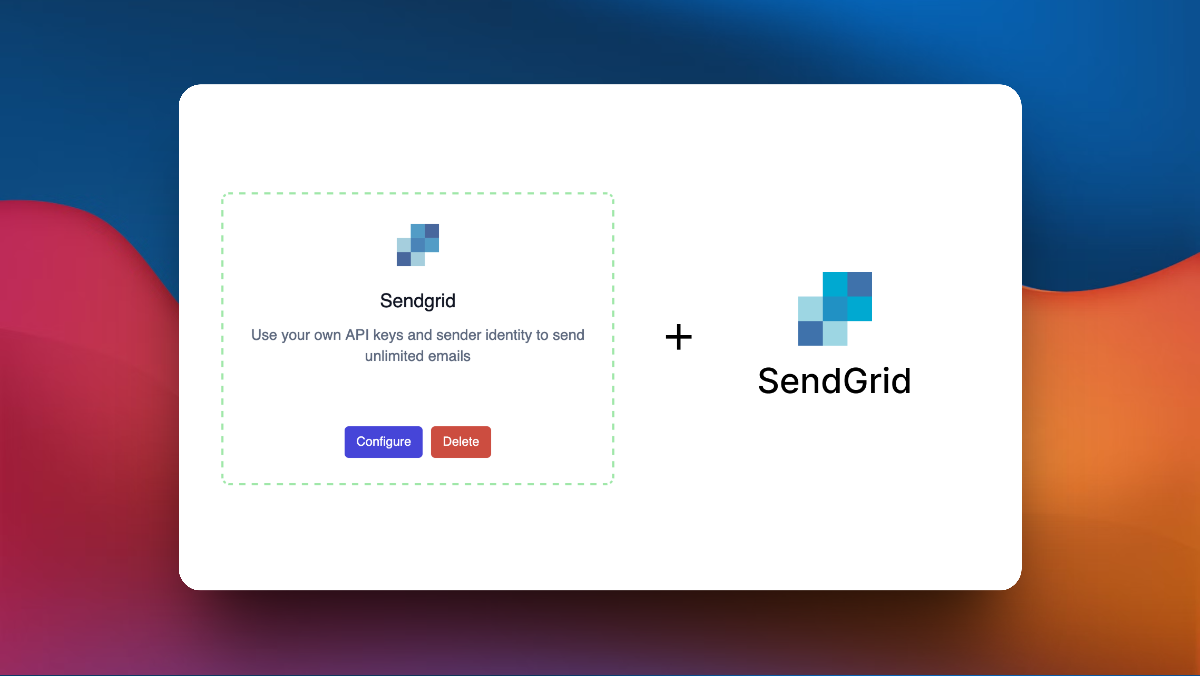
This new release adds new integration - SendGrid 🚀 It's one of those "bring-your-own-key" integrations that removes limits on usage. With sendgrid integration you can use your own API key and sender identity to remove limits on # email subscribers and generally send as much emails as possible, using your own instance and domain.
Other changes:
Fixed "canonical" tag on blog pages, now it refers to original updatify.io domain. In future this can be edited via blog page settings
Fixed counting views while scrolling though widget. Now it calculates post as shown when its scrolled at least 50%
Under the hood changes & fixes
Announcement Sep 26, 2025 by Alex Sinelnikov
Sendgrid integration
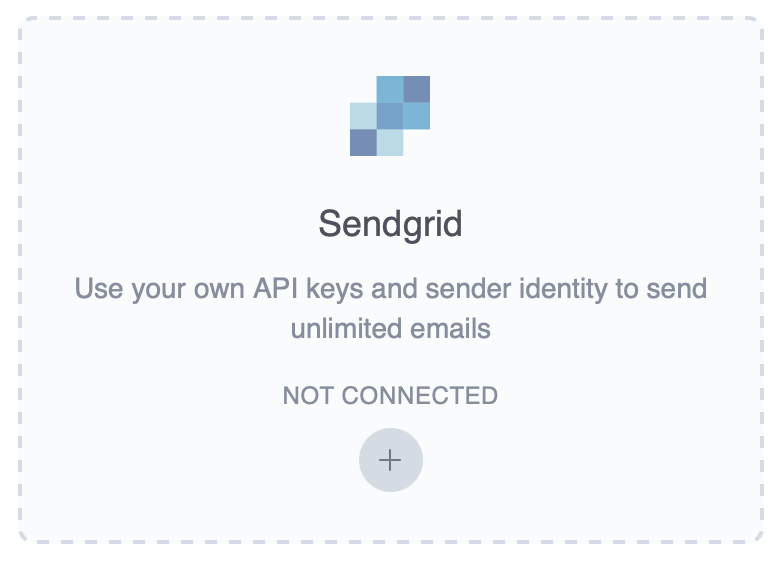
Happy to announce - new Sendgrid integration coming soon 🚀
This will allow you:
Use your own API key, eliminating limitations on amount of emails sent per day.
Use your own Sent From identify.
This feature will be available on Agency and higher plans, planned to release by end of week.
Update Sep 8, 2025 by Alex Sinelnikov
v1.0.1 - Integrations, images and more
Welcome to first updatify's update ever 🚀
With this update I introduced few new features which will be useful to many
GitHub Integration
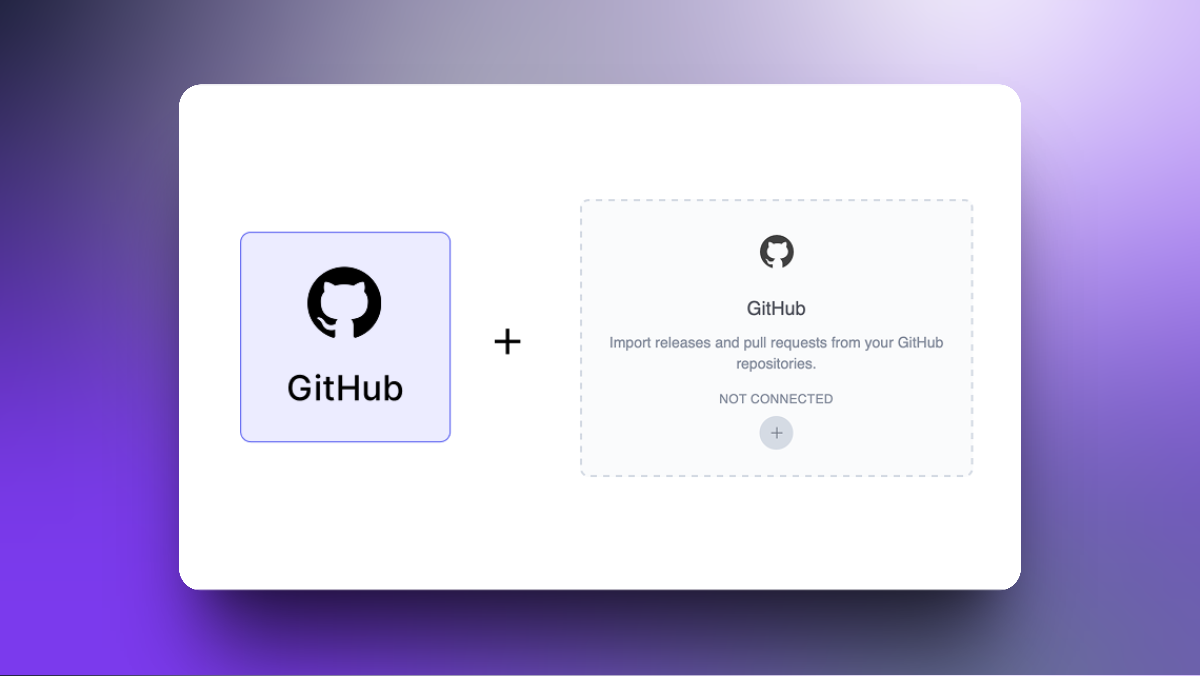
With this GitHub integration you can import your releases from GitHub, reducing time it takes to write public release notes. GitLab and Gitea will be added soon
Inline image upload
New button on toolbar to upload image and paste it at your cursor

Other changes
Gmail Login: Added Gmail authentication for seamless account access. Sign in with your Google account for faster, more secure login.
Improved gif playback
Added email subscribers count(and # of available subscriptions) on subscribers page
Added profile image which later will be shown on blog pages
Update Sep 5, 2025 by Alex Sinelnikov
Updatify v1.0 is now live!
Today is the day!
I finally pushed the latest build to the server.
This means I'm getting closer to release. So far I've wrapped up all the features I wanted for the initial release and am now ready to help others deliver their update notes to their customers.
Here's what's available with this initial release:
Update widget
Automatically generate blog page on your selected subdomain (SSL handled for you)
Email subscriptions, including management of your current subscribers (email opening analytics coming soon)
Hero image upload including gif animation on pro plan
Scheduled posting - schedule posts sometime in the future
Interactions on posts - see upvotes/downvotes for your updates
Post view statistics
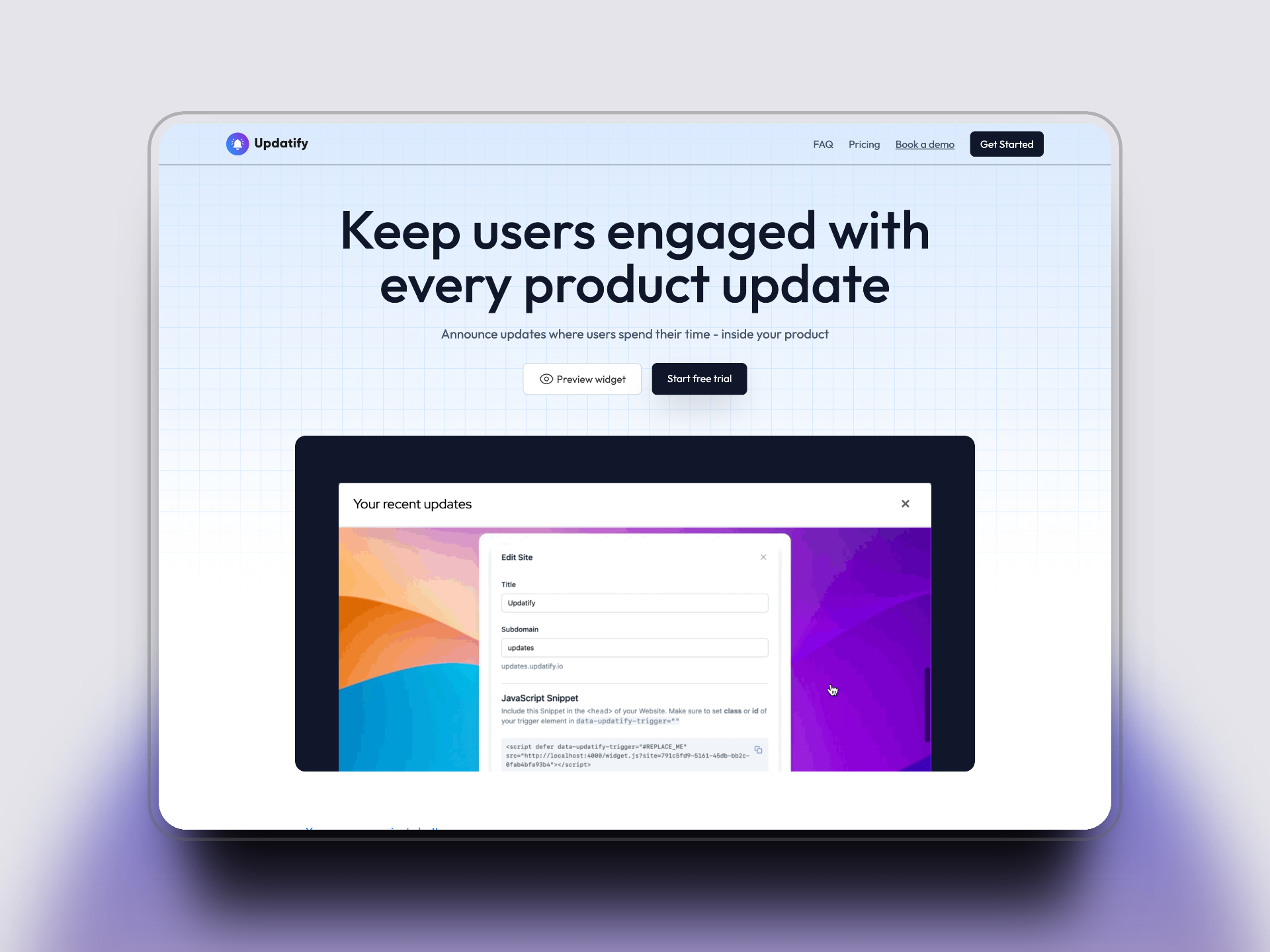
Keep your users informed and engaged with an embeddable update widget. Share product updates directly in your app, let users vote on features, and build an email subscriber base - all from one simple tool. Start your free trial today!
Update Aug 8, 2025 by Alex Sinelnikov
A path to release
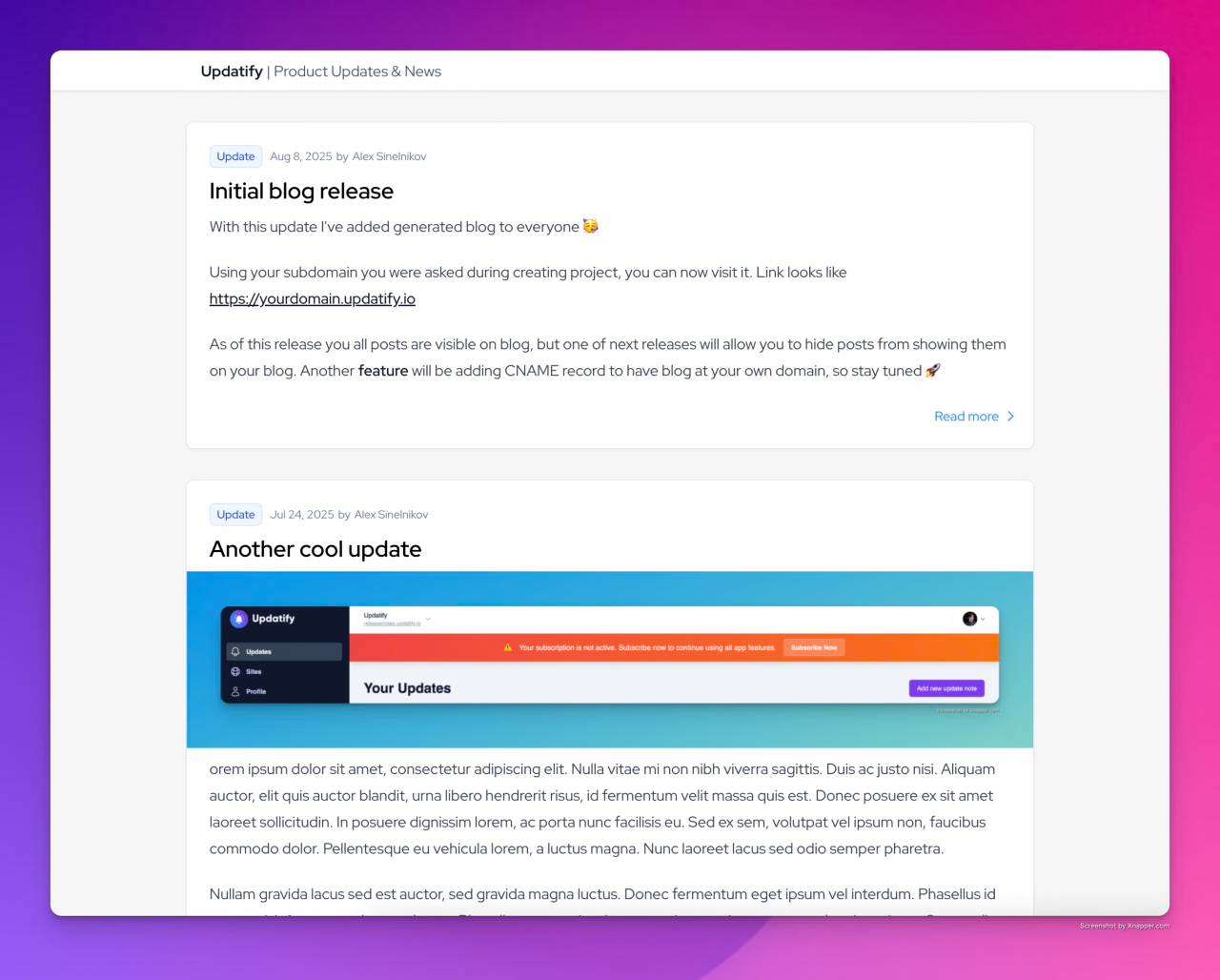
As you probably noticed on update's screenshot - new landing page is done and my wife said its awesome and she likes it!
Jokes aside, I've been asked few times recently on reddit whats the status of updatify, and how long till release, so here's my plan
Landing page ✅
Setup payments ✅
Setup emails ✅
Updates, scheduling, etc ✅
Blog pages ⚠️ - currently in progress
Email subscriptions ❌ - haven't started yet, thinking whether it makes sense to remove them from initial release
Update Mar 17, 2025 by Alex Sinelnikov
When release?
What's happening with updatify? When release?
I've been asked these questions for last 2 months on twitter. Unfortunately I do have 9-5 and thats what stops me from committing more time to updatify. At some point 9-5 turned to more like 9-9 making really low time to work on updatify.
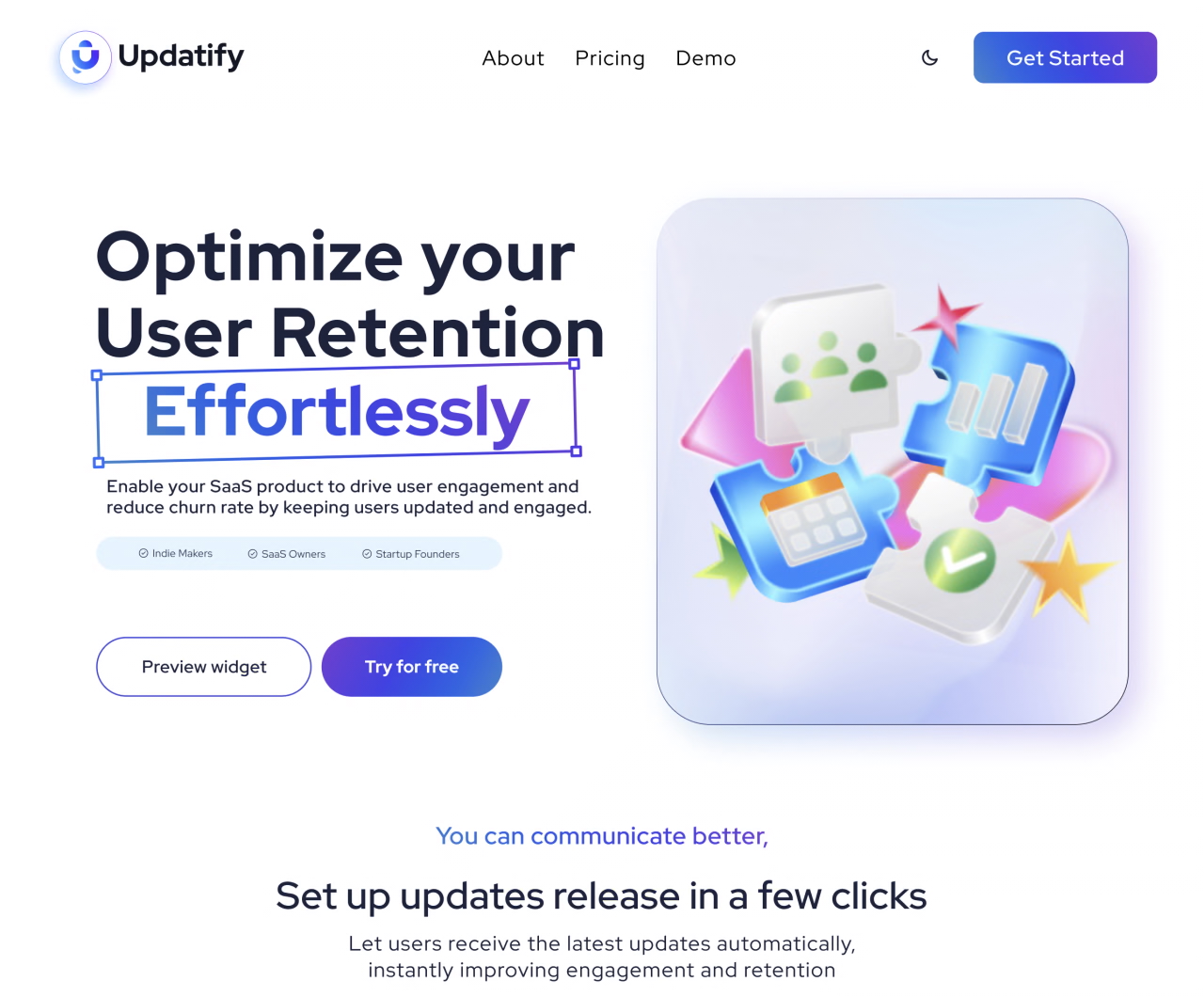
Right now I almost have landing page done, so thats pretty much last thing that stops me from making this initial release
So to answer those asking when release - I think 2-3 weeks, so stay tuned!
Update Nov 18, 2024 by Alex Sinelnikov
Embed script setup process
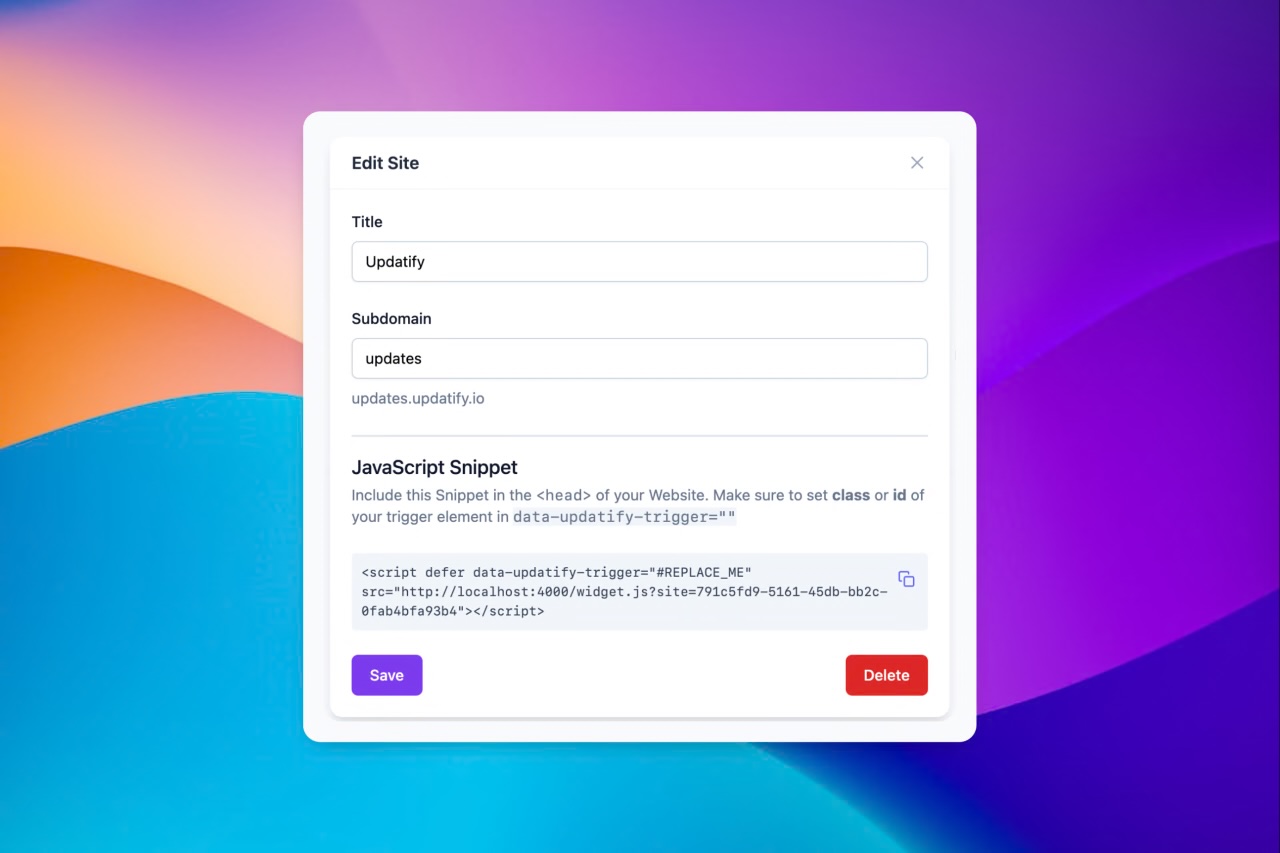
Widget script embedding
These weekends I worked on script embedding. So far updatify.io didn't have a way to show you how to embed script to your page.
Well, now its available right after you add new website to your dashboard.
For now it provides configuration asks you to enter data-updatify-trigger which will act as a trigger button to open and show your widget.
I also working on adding extra configuration parameter which allows you to also add an attribute which could be used to show # of notifications to view or simple ping animation.
This is just first initial release, but over time I plan to add more configuration options to make updatify.io even more customizable
Update Nov 12, 2024 by Alex Sinelnikov
Custom triggers + landing page update
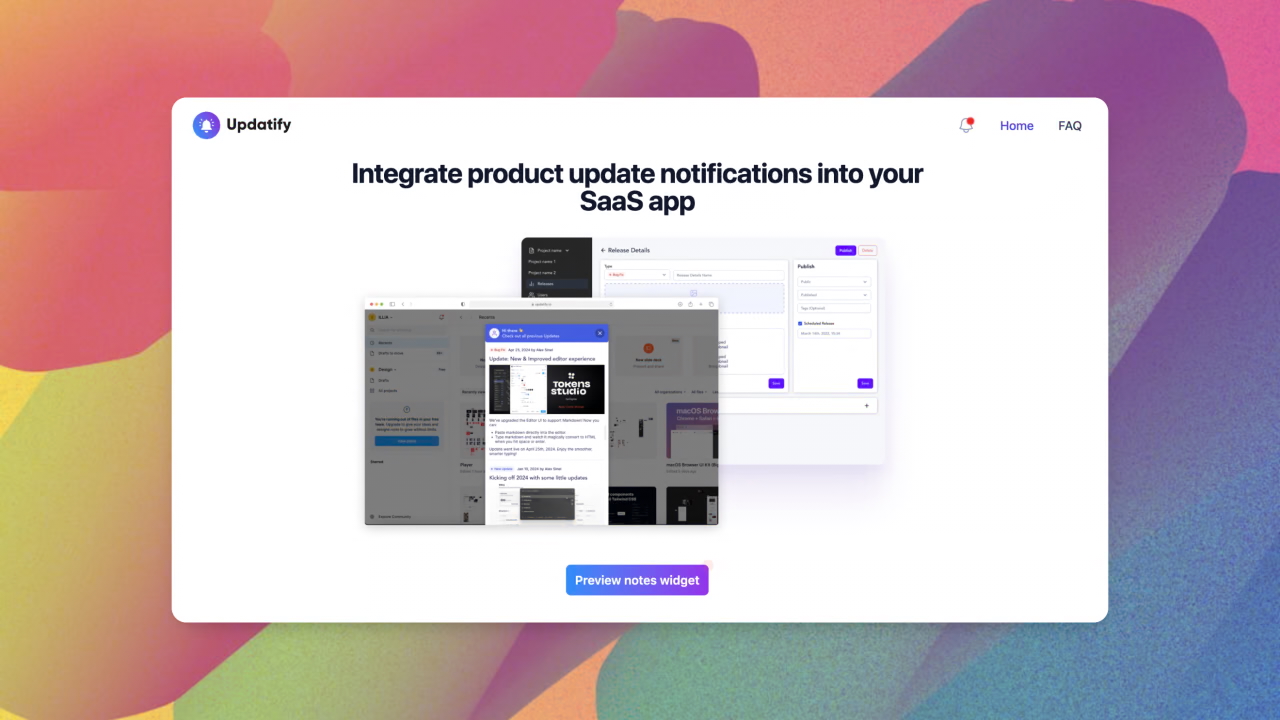
Custom triggers
Custom trigger is basically an element on your page which will open modal widget with all your updates.
To add one(or multiple) you just need to set data attribute to data-updatify-trigger
Here's how it looks on my landing page
<button data-updatify-trigger class="...ommited classes">
     Preview notes widget
</button>Update Nov 3, 2024 by Alex Sinelnikov
Welcome to updatify.io
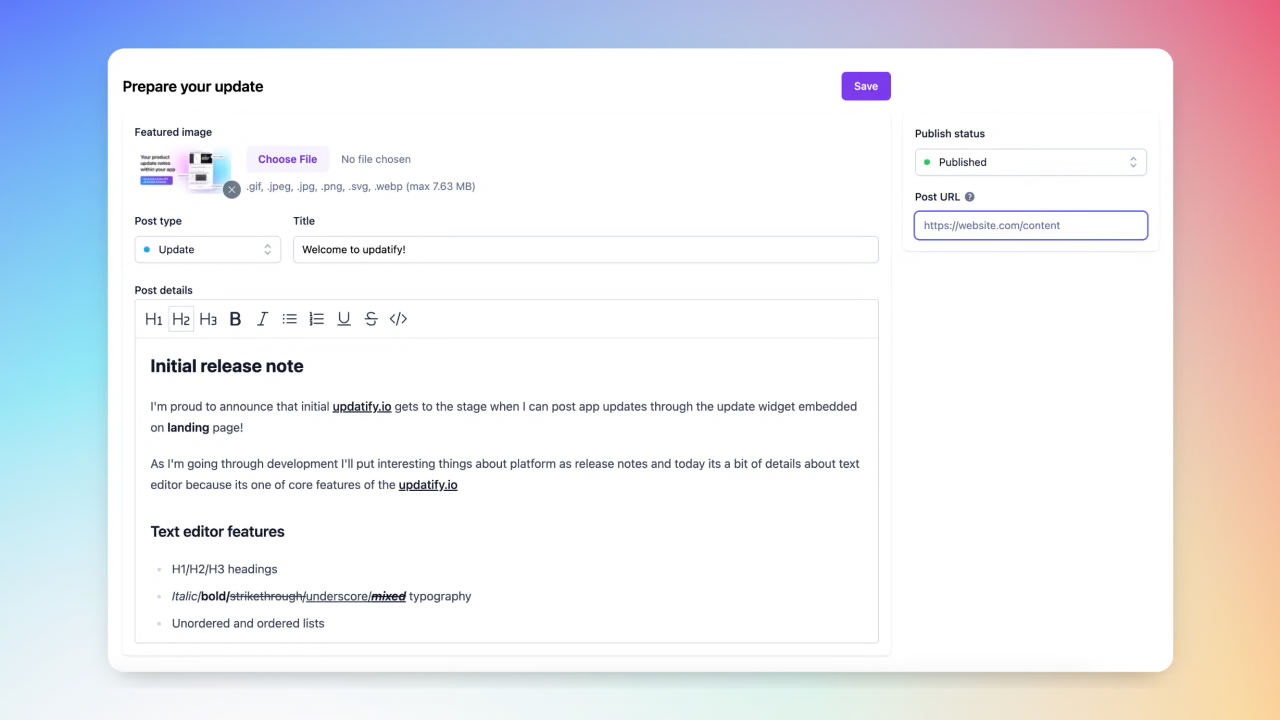
Initial release note
I'm proud to announce that initial updatify.io gets to the stage when I can post app updates through the update widget embedded on landing page!
As I'm going through development I'll put interesting things about platform as release notes and today its a bit of details about text editor because its one of core features of the updatify.io
Text editor features
H1/H2/H3 headings
Italic/bold/
strikethrough/underscore/mixedtypographyUnordered and ordered lists
updatify.io - custom links
Default Keybindings(cmd+b, etc)
Or even code blocks
onCreate({ editor }) {
  _this.updatedAt = Date.now();
  _this.updateHiddenInput(editor.getHTML());
}
One of few things I'm currently working on:
Inline image uploads
Code syntax highlight
Autosave as you type